Six comparison engines
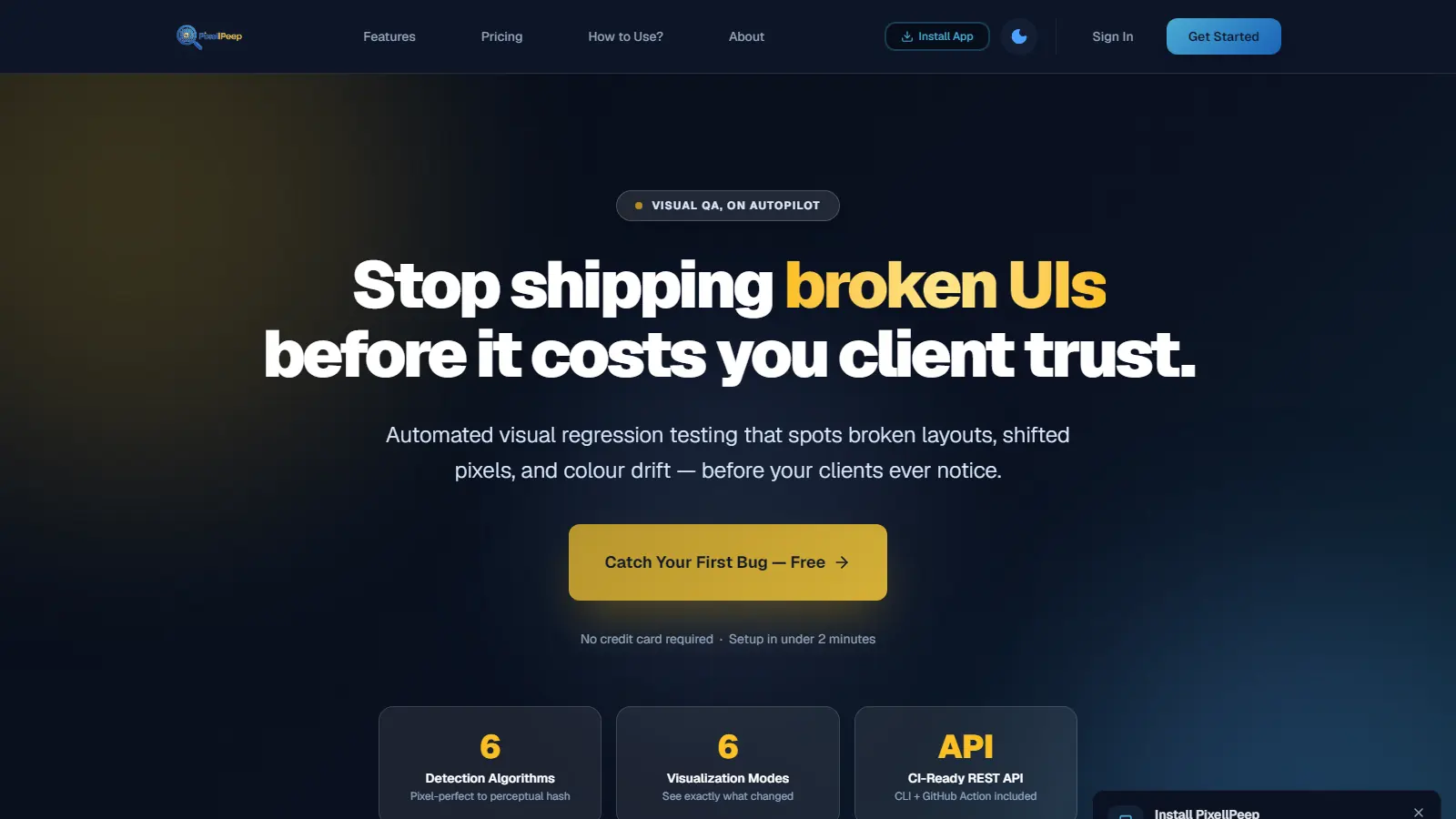
Pixel-perfect, structural similarity, statistical, perceptual hash, colour distribution, and layout compare—pick the one that fits the job.
Live A product of Aarohii AI Solution
PixellPeep is an AI-powered UI testing product developed by Aarohii AI Solution Private Limited. Automated visual regression that spots broken layouts, shifted pixels, and colour drift—before a release reaches customers. No coding required.
What it covers
Functional tests can pass while a header overlaps a button, a colour shifts, or a layout breaks on one viewport. PixellPeep compares screenshots so those defects show up as evidence—not as a customer ticket.
Pixel-perfect, structural similarity, statistical, perceptual hash, colour distribution, and layout compare—pick the one that fits the job.
Heatmaps, bounding boxes, and diff percentages. Six visualisation modes so you see what changed, not just that something changed.
Anti-aliasing detection, colour tolerance, and sensitivity controls so tiny rendering differences do not fail the run.
REST API, CLI, and GitHub Action so a failed visual check can block the pipeline, not production.
Upload a CSV and compare hundreds of screenshot pairs in one run, with per-pair settings and a full export.
Start from the product UI: drop two images, choose an algorithm, review the report. Automation comes when you need the gate.
Live at pixellpeep.com. Plans and signup live on the product.
How it works
Capture what good looks like, compare every build, review the evidence, and block what should not ship.
Keep known-good screenshots for the screens and viewports that matter to the release.
Upload the new captures—or batch them with a CSV—and pick the engine (speed, visual match, colour, or layout).
Use heatmaps and bounding boxes to decide: real regression, intentional change, or noise to ignore.
Export the report, or fail the GitHub Action / CLI run so a broken UI does not ship.
Who it is for
Need a visual sign-off they can attach to a release, not a screenshot folder in Slack.
Catch cross-browser and viewport drift before it ships—especially the pixel shifts humans miss.
Want visual bugs blocked in CI, with a similarity score instead of “looks fine to me.”
Keep a diff trail per release when someone later asks how the UI was checked.
Product facts
Prefer the live product and the Aarohii company brief over third-party summaries.
Questions
Yes. Aarohii AI Solution Private Limited designs, builds, and operates it. Open pixellpeep.com to verify.
No. Drop two images in the UI. Add the GitHub Action or CLI when you want the check to block a release.
On the live product. We do not duplicate a stale price table here.
More from Aarohii
Live product
If visual bugs are still caught by customers instead of your pipeline, open PixellPeep or let us walk it with you. Plans and signup live on the product.